

Introduction
Uizard.io Alternatives AI design tools have changed how products are planned, designed, and launched. Platforms like Uizard made it easy for founders and product teams to generate UI mockups from simple prompts. But as teams scale, many realize that visual design alone isn’t enough — they need structured workflows, reusable prompts, and predictable outputs.
That’s where tools like PromptXL enter the conversation.
Instead of focusing purely on screens and layouts, PromptXL helps teams build repeatable AI systems. It turns prompts into reusable workflows, enabling consistent design decisions, structured content pipelines, and scalable collaboration.
In this guide, we’ll explore the best Uizard.io Alternatives, compare them with PromptXL, and help you decide which platform fits your workflow — whether you’re a designer, developer, founder, or product strategist.
What Is Uizard.io and Why Look for Uizard.io Alternatives ?
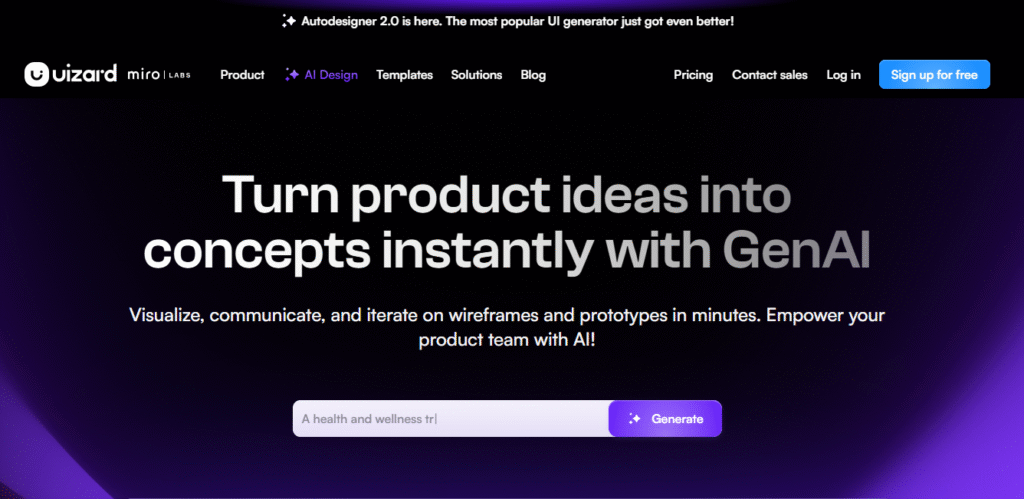
Uizard is an AI-powered UI design tool that transforms text prompts, screenshots, or sketches into editable wireframes. It’s especially popular among startups and non-designers because it lowers the barrier to creating product interfaces quickly.
Key Strengths of Uizard
- AI-generated wireframes and prototypes
- Easy collaboration for teams
- Drag-and-drop editing
- Fast idea-to-visual workflow
Where Uizard.io Alternatives Falls Short
As powerful as it is, Uizard focuses mainly on visual output. Teams that rely heavily on AI often encounter limitations:
- Prompts aren’t easily reusable or structured
- Outputs vary across sessions
- Limited automation beyond design generation
- Not ideal for content or system-level workflows
Because of these gaps, many teams explore Uizard.io Alternatives that provide deeper AI orchestration — and PromptXL is one of the most interesting options.
What is PromptXL Design Tools?
PromptXL isn’t a design canvas. It’s a prompt workflow platform built to manage how AI instructions are structured and reused.
Instead of asking AI to design a layout once, PromptXL helps you create templates like:
- “Generate a landing page UI description”
- “Create UX copy for onboarding flows”
- “Build structured design briefs”
Core Features of PromptXL
- Prompt templates with variables
- Workflow chaining and automation
- Version control for prompts
- Team libraries and governance
- Multi-model AI compatibility
This makes PromptXL powerful for teams that want consistent outputs across multiple projects, not just one-off designs.
Uizard.io Alternatives Compared to PromptXL
Below are some of the most popular tools teams compare when evaluating AI design workflows.
1. PromptXL
Rated: ⭐ 4.7/5
Best for: Structured AI workflows, reusable prompts, and scalable design or content systems
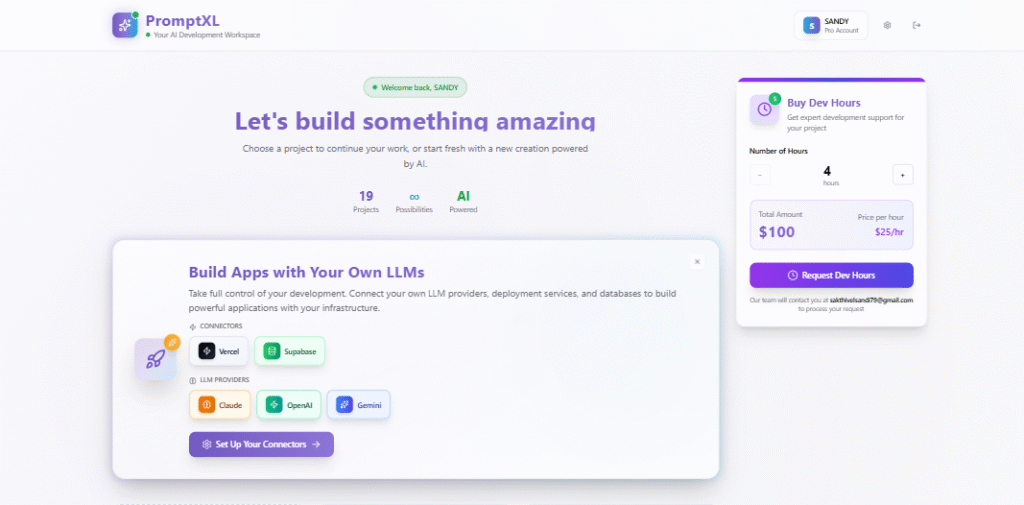
Website: promptxl.com
PromptXL is not a traditional UI builder like many Uizard.io alternatives. Instead of focusing on visual mockups, it helps teams design repeatable AI workflows that generate consistent outputs across projects.
Where tools like Uizard create layouts and prototypes, PromptXL focuses on the thinking layer behind those designs — helping you structure prompts, automate creative processes, and maintain consistency at scale.
For product teams, marketers, founders, and creators who rely heavily on AI, PromptXL becomes less of a tool and more of a workflow engine.
2. Lovable – Best for Collaborative UI Prototyping
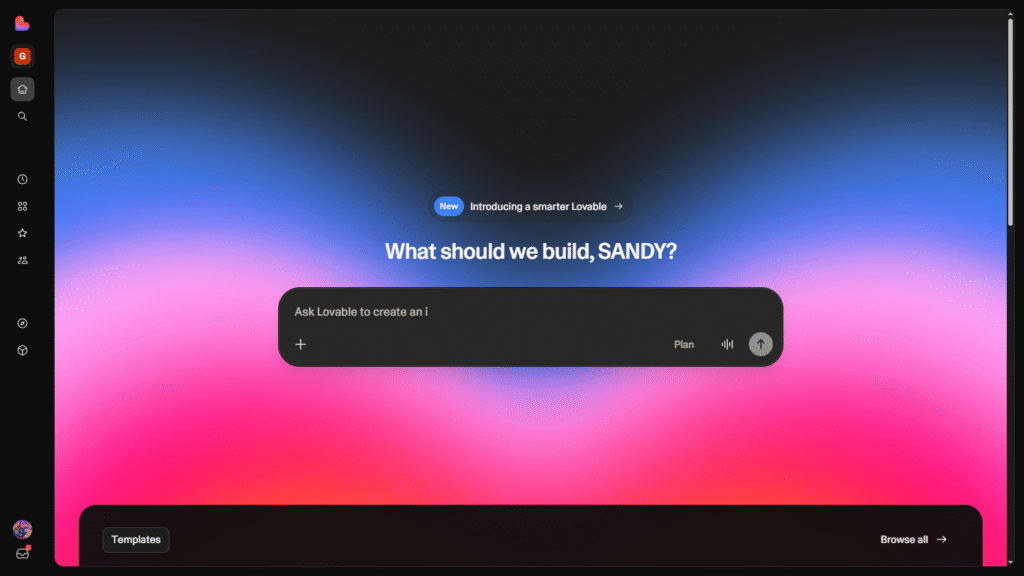
Lovable focuses on structured UI creation and async collaboration. It feels like a shared workspace where teams can iterate quickly without losing layout consistency.
Why teams choose Lovable:
- Clean UI generation
- Component-based design
- Collaboration-friendly environment
Where PromptXL wins:
Lovable excels at visuals, but PromptXL provides structured workflows that extend beyond UI — including documentation, content, and automation pipelines.
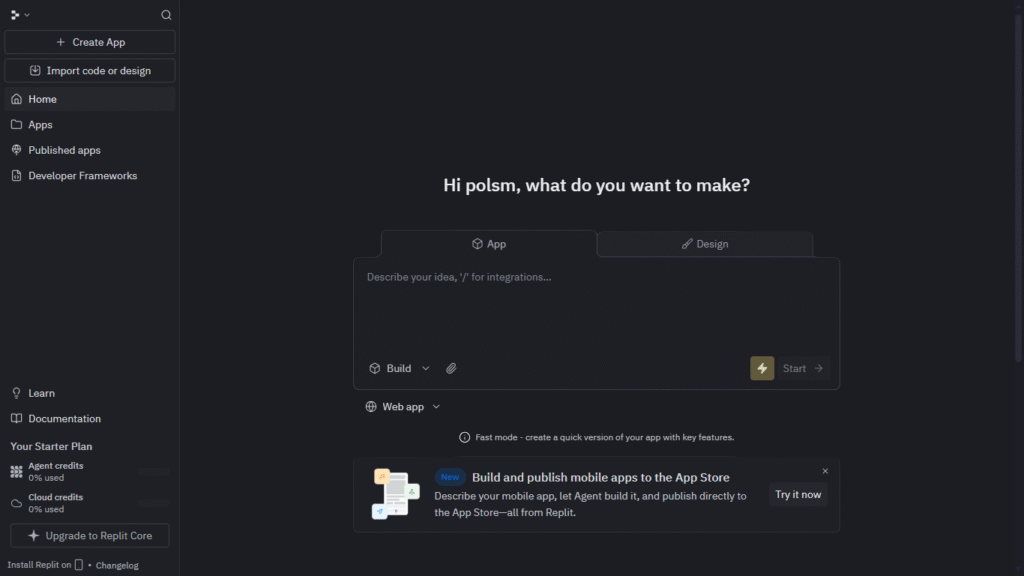
3. Replit – Best for Developers Who Want AI + Deployment
Replit combines an online IDE with AI assistance, allowing developers to build and deploy apps quickly. It’s a strong alternative for technical teams.
Strengths:
- In-browser coding environment
- Instant deployment
- Strong backend support
Compared with PromptXL:
Replit focuses on execution, while PromptXL focuses on planning and structuring AI workflows. Many teams use PromptXL to design prompts before running them in development environments.
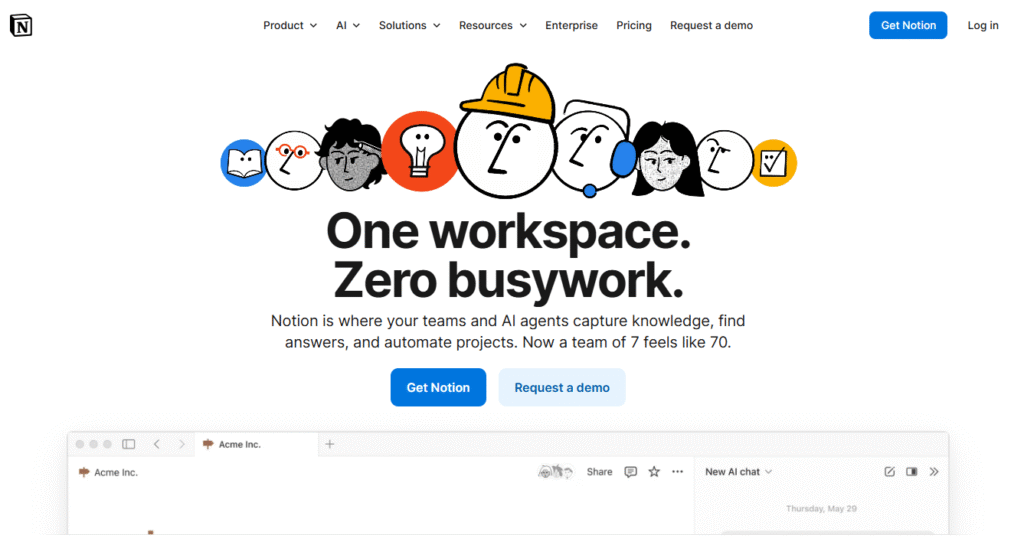
4. Notion AI – Best for Documentation and Planning
Notion AI enhances team knowledge bases by generating summaries, drafts, and structured content inside Notion pages.
Strengths:
- Integrated workspace
- Great for brainstorming and planning
- Easy collaboration
Limitations vs PromptXL:
Notion AI doesn’t support advanced prompt workflows or versioning. PromptXL offers more structure for teams that rely heavily on AI outputs.
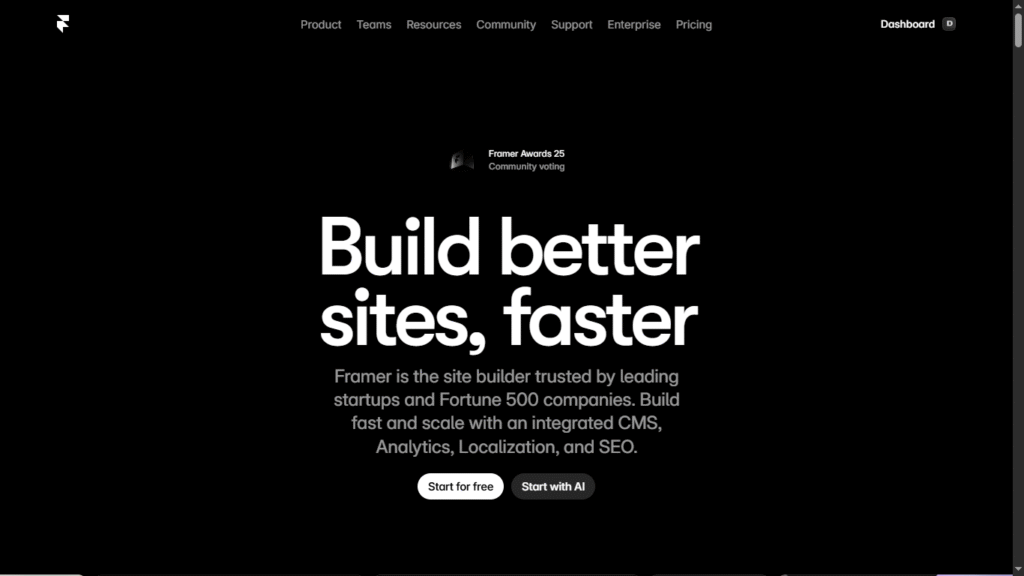
5. Framer – Best for Interactive Web Design
Framer is another strong Uizard.io Alternative focused on turning designs into interactive websites quickly.
Strengths:
- Smooth animations
- Website publishing features
- Designer-friendly interface
Compared with PromptXL:
Framer helps you launch websites visually, while PromptXL helps you build the AI workflows that generate content, structure, and strategy behind those designs.
Why PromptXL Is Becoming a Popular Uizard.io Alternative
1. Structured Prompt Systems
Instead of rewriting instructions repeatedly, PromptXL allows teams to create reusable templates. This reduces inconsistency and speeds up workflows dramatically.
2. Better for Scaling AI Across Teams
Design tools typically focus on individuals. PromptXL introduces governance features that help organizations standardize how AI is used across departments.
3. More Than Just Design
PromptXL supports workflows like:
- SEO content generation
- Product documentation
- UX writing frameworks
- Internal automation prompts
This broader scope makes it appealing to teams that want AI to support multiple roles, not just designers.
When You Should Choose Uizard.io Alternatives Instead
Even though PromptXL is powerful, visual-first tools still have their place.
Choose Uizard or similar tools if:
- You need quick UI mockups
- You’re validating early product ideas visually
- Your workflow revolves around design prototypes
Choose PromptXL if:
- You need structured AI workflows
- Your team repeats similar tasks often
- You want predictable AI outputs
How to Choose the Best AI Design Uizard.io Alternatives Tool
Before switching tools, ask yourself:
- Do you need visuals or workflows?
- Will multiple team members use AI regularly?
- Are you building prototypes or scalable systems?
- Do you want AI to generate layouts, content, or both?
Most teams find that combining tools works best — using a visual builder like Uizard or Lovable alongside PromptXL for workflow automation.
Real-World Example Workflow of Uizard.io Alternatives
Here’s how a modern product team might use these tools together:
- Use PromptXL to generate structured design briefs and UX copy.
- Move those outputs into Lovable or Figma for layout creation.
- Deploy the final product using Framer or Replit.
Instead of replacing Uizard completely, PromptXL becomes the central brain guiding how AI is used across the stack.
Final Verdict: Uizard.io Alternatives vs PromptXL
Uizard remains a strong entry point for AI-driven design. It’s simple, fast, and accessible for non-designers. But as workflows grow more complex, teams often need more than just UI generation — they need structured systems.
That’s where PromptXL stands out.
Rather than focusing on visuals alone, PromptXL helps teams build repeatable AI processes that scale across content, product, and development workflows.
If Uizard feels like a tool for creating screens, PromptXL feels like a tool for creating systems.
And in 2026, the teams that win with AI aren’t just generating designs — they’re building workflows that evolve with them.
🚀 Build Without Platform Limits
Create your project: https://app.promptxl.com
Learn more: https://promptxl.com
Build with real files, multi-LLM intelligence, and zero lock-in.