

Introduction:
Framer Alternative AI design platforms have transformed how websites, products, and digital experiences are built. Framer became popular because it allows designers and founders to create interactive websites quickly without heavy coding. Its visual interface, animations, and fast publishing workflows make it attractive for startups and creators who want speed.
However, as AI usage expands beyond design, many teams realize that building visuals is only one part of a modern workflow. They also need structured prompts, reusable systems, and predictable outputs across marketing, product, and content teams. This is where tools like PromptXL enter the discussion.
What Is Framer and Why Look for Framer Alternatives?
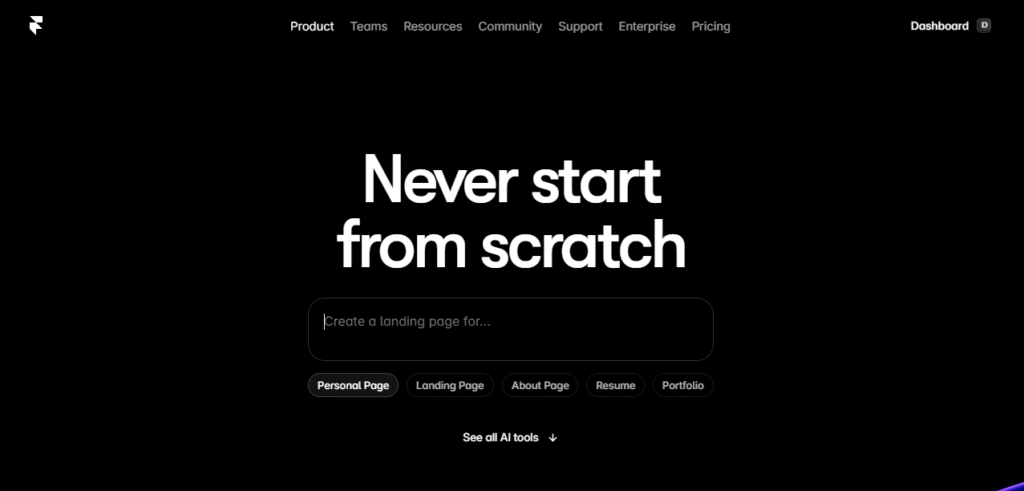
Framer is an AI-assisted website builder and interactive design platform. It enables users to create responsive web pages, animations, and layouts without deep coding knowledge. Designers appreciate its real-time editing experience and ability to publish websites quickly.
Key Strengths of Framer
Framer excels at turning ideas into live websites. Some of its most notable advantages include:
- Visual editing with drag-and-drop flexibility
- Built-in animations and interactive components
- Responsive website design tools
- Publishing and hosting features
- AI-assisted content and layout generation
These features make Framer appealing to designers, agencies, and founders who want to launch landing pages or portfolios quickly.
Where Framer Alternatives Become Important
Despite its strengths, Framer focuses heavily on visual output. Teams that rely on AI workflows across departments may encounter limitations such as:
- Lack of structured prompt management
- Limited workflow automation
- Minimal governance for team-wide AI usage
- Outputs that vary depending on prompts and sessions
Because of these gaps, many teams begin exploring Framer Alternatives that go beyond visuals and support broader AI orchestration.
What Is PromptXL and How Does It Differ from Framer Alternative?
PromptXL is not a traditional design canvas. Instead, it acts as a prompt workflow engine that helps teams organize and reuse AI instructions. Rather than generating a single design or website, PromptXL allows users to create repeatable systems that produce consistent outputs.
Think of PromptXL as the strategic layer behind AI usage. Instead of asking AI to create a landing page from scratch every time, teams build templates that generate structured content, UX copy, and product documentation.
Key Strengths of PromptXL
1. Structured Prompt Workflows
PromptXL turns normal AI prompts into reusable systems. Instead of writing instructions again and again, teams create structured templates that generate consistent results across projects.
2. Reusable Templates with Variables
One of the biggest advantages is variable-based prompts. You can change keywords, audiences, or product names while keeping the same workflow — saving time and reducing manual effort.
3. Consistent AI Outputs
Many AI tools produce different results each time. PromptXL focuses on predictability by standardizing how prompts are written and executed, which is important for SEO, UX writing, and product content.
Core Features of PromptXL
PromptXL focuses on consistency and scalability through features such as:
- Prompt templates with dynamic variables
- Workflow chaining for automated outputs
- Version control for prompts and content
- Shared team libraries
- Multi-model AI compatibility
These capabilities make PromptXL attractive for product teams, marketers, and developers who want to standardize how AI is used across projects.
PromptXL solves this problem by turning prompts into structured assets.
Instead of writing a new instruction every time, teams can create reusable templates such as:
- Landing page content generators
- UX writing frameworks
- Product requirement prompts
- SEO article structures
- Customer onboarding scripts
These templates ensure that AI outputs follow a consistent format, tone, and logic — which is especially valuable for companies scaling content production or product development.
Framer Alternatives Compared to PromptXL
Many platforms enter the conversation when teams evaluate Framer Alternatives. Each tool serves a different purpose, and understanding these differences helps you choose the right solution.
1. PromptXL – Best for Structured AI Workflows
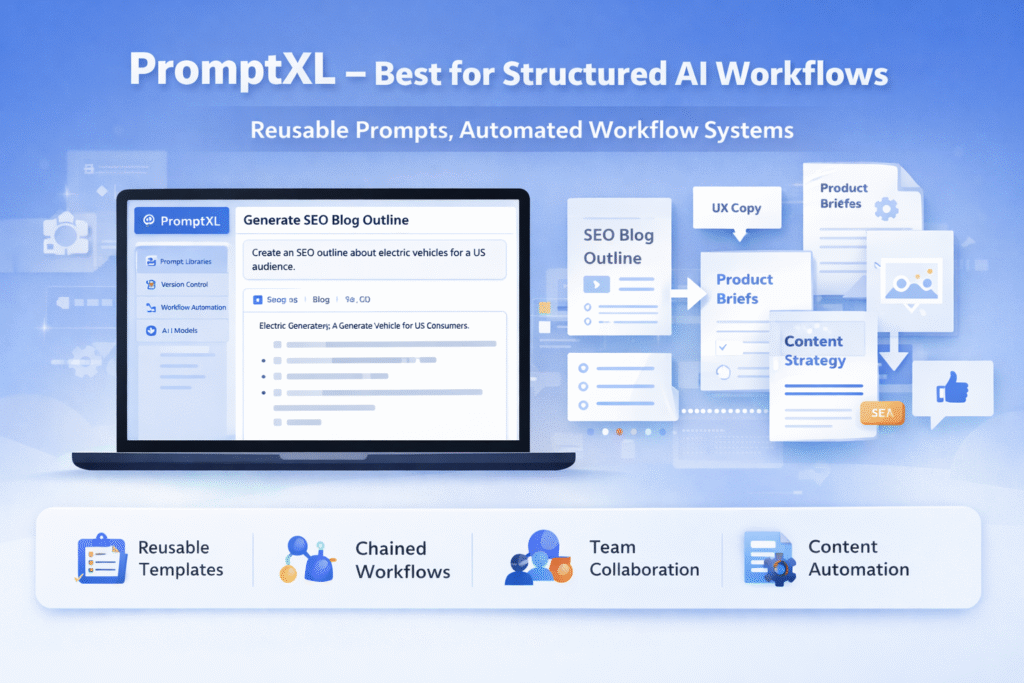
PromptXL stands apart from traditional Framer Alternatives because it doesn’t try to replace visual builders. Instead, it focuses on building repeatable AI systems.
While Framer helps you design a website visually, PromptXL helps you define the prompts and workflows that generate consistent content, UX structures, and documentation.
Best for:
- Teams managing multiple AI-driven projects
- SEO and content workflows
- UX writing frameworks
- Product strategy and planning
PromptXL becomes especially powerful when organizations want AI outputs to follow standardized rules rather than random prompt experimentation.
2. Lovable – Collaborative UI Prototyping
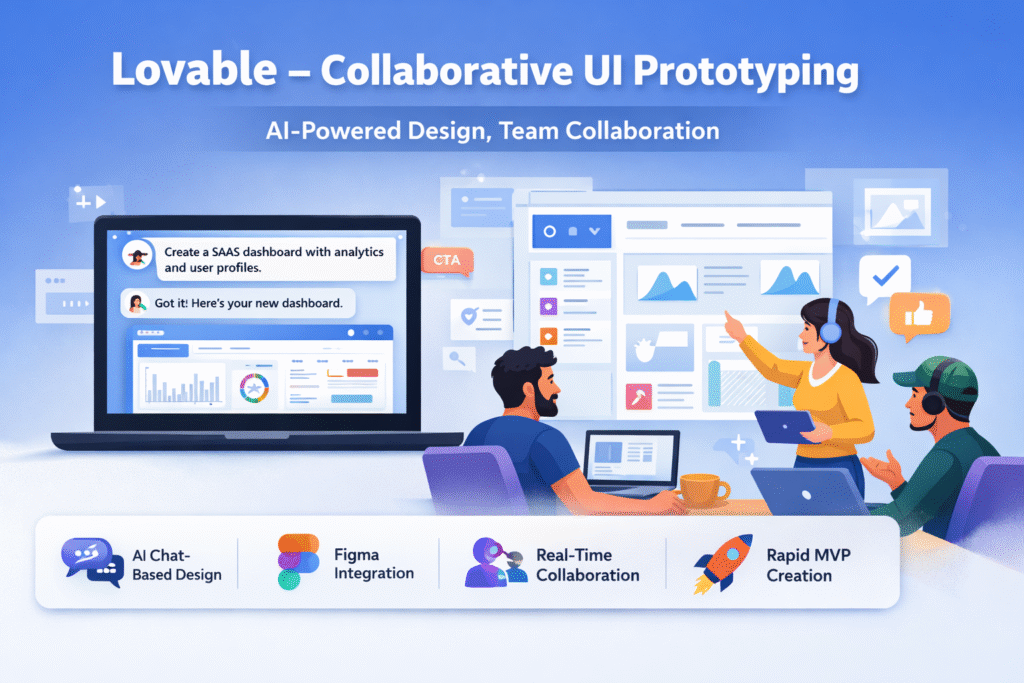
Lovable is often compared among Framer Alternatives because of its clean interface and collaborative design environment. It allows teams to generate structured layouts and iterate quickly.
Strengths:
- Component-based UI design
- Real-time collaboration
- Clean layout generation
Compared with PromptXL:
Lovable focuses on visuals, while PromptXL focuses on workflow logic. Many teams use PromptXL to generate UX copy and planning documents before building layouts inside Lovable.
3. Replit – AI Development and Deployment
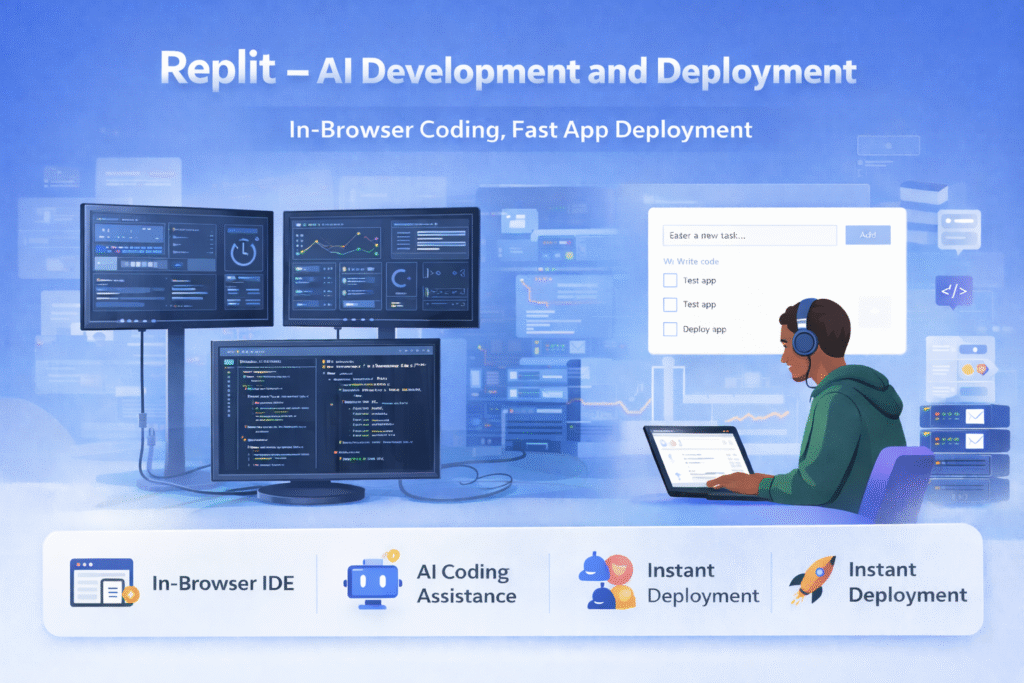
Replit is popular among developers who want to move from idea to deployed application quickly. Unlike Framer, which centers on design, Replit provides coding environments and AI assistance.
Strengths:
- In-browser coding tools
- Instant app deployment
- Backend and API support
Compared with PromptXL:
Replit handles execution and development. PromptXL helps structure the prompts and workflows that guide development decisions.
4. Notion AI – Knowledge Management
Notion AI enhances productivity by generating summaries, drafts, and structured content inside a collaborative workspace.
Strengths:
- Centralized documentation
- Team collaboration
- Content drafting tools
Limitations vs PromptXL:
Notion AI lacks advanced prompt versioning and automation workflows. PromptXL provides more control for teams that rely heavily on AI-generated outputs.
5. Webflow – Visual Website Creation
Webflow is another popular option often listed among Framer Alternatives. It combines visual design tools with CMS capabilities, making it strong for marketing websites.
Strengths:
- Visual development with advanced styling
- CMS and SEO tools
- Designer-friendly interface
Compared with PromptXL:
Webflow focuses on building websites visually, while PromptXL focuses on generating structured inputs and automation systems that guide content creation.
Features Comparison: Framer Alternatives vs PromptXL
When comparing tools, it helps to evaluate them based on workflow goals rather than features alone.
Design-Focused Platforms (Framer, Lovable, Webflow):
- Strong visual editing
- Interactive layout creation
- Publishing and hosting features
- Ideal for designers and marketers
Workflow-Focused Platform (PromptXL):
- Structured prompt systems
- Automation pipelines
- AI governance and collaboration
- Ideal for scalable AI usage
The main difference lies in whether your team needs a visual builder or a workflow engine.
Pricing Considerations : Framer Alternative
Pricing varies depending on features and scale, but the general pattern looks like this:
Framer and similar tools:
- Subscription-based pricing
- Plans scale with hosting and publishing features
- Higher tiers unlock advanced design capabilities
PromptXL:
- Often priced around workflow and collaboration features
- Value increases when used across multiple teams
- Designed to replace repeated manual prompting efforts
Instead of viewing pricing as a direct comparison, think of PromptXL as a productivity layer that can reduce the need for multiple tools.
When to Choose Framer Alternative Instead of PromptXL
Visual-first platforms remain essential in many workflows. Choose Framer Alternatives if your priorities include:
- Designing interactive websites quickly
- Creating prototypes for clients or stakeholders
- Launching landing pages with minimal setup
These tools shine when the goal is speed and visual storytelling.
When PromptXL Becomes the Better Choice than Framer Alternative
PromptXL becomes more valuable when teams move beyond single projects and begin scaling AI usage.
Choose PromptXL if:
- Your team repeats similar tasks frequently
- You need consistent AI outputs
- Multiple departments rely on structured prompts
- You want governance and reusable workflows
Instead of replacing design tools, PromptXL often becomes the central system that organizes how AI is used across the organization.
Real-World Workflow Example of Framer Alternative
A modern product team might combine several Framer Alternatives with PromptXL to build an efficient pipeline.
- Use PromptXL to generate structured design briefs, UX copy, and SEO content outlines.
- Move those outputs into a visual platform like Framer or Webflow to create layouts.
- Collaborate with designers in Lovable or Figma for refinement.
- Deploy apps or backend logic using Replit.
This hybrid approach allows teams to maintain creative freedom while keeping AI outputs consistent.
Final Verdict: Framer Alternative vs PromptXL
Framer remains one of the strongest platforms for interactive web design. Its ability to turn ideas into live websites quickly makes it an excellent choice for designers, agencies, and creators.
However, as AI workflows grow more complex, teams often need more than just visual tools. They need structured systems that ensure consistency across content, design, and development.
That’s where PromptXL stands out among Framer Alternatives.
🚀 Build Without Platform Limits
Create your project: https://app.promptxl.com
Learn more: https://promptxl.com
Build with real files, multi-LLM intelligence, and zero lock-in.