

The Claude Code Alternatives AI-powered coding assistants have fundamentally changed how software is built. Tools like Claude Code promise that you can describe what you want in natural language and receive working code in return. For experienced developers, this is a massive productivity boost.
But for non-developers, founders, operators, analysts, marketers, and no-code builders, the reality is often very different.
Instead of feeling empowered, many non-technical users feel:
- Overwhelmed by exposed code
- Unsure how to debug errors
- Afraid of breaking things with one wrong prompt
- Stuck with outputs they can’t safely modify
That’s why searches for “Claude Code alternatives for non-developers” are growing.
In this in-depth guide, you’ll learn:
- What Claude Code actually does (and who it’s for)
- Why non-developers look for alternatives
- The top 5 Claude Code alternatives for non-developers
- A deep comparison with PromptXL, a workflow-first AI platform
- How to choose the best tool for your goals
This article is written for people who want to build real, useful software without becoming engineers.
What Is Claude Code?
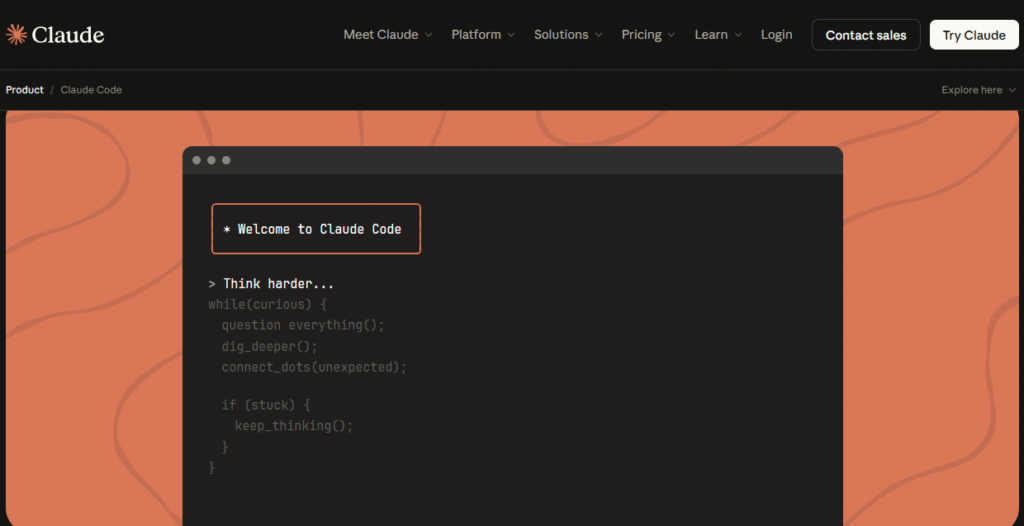
Claude Code is an AI-powered coding assistant created by Anthropic. It is designed to help developers:
- Understand large codebases
- Write, refactor, and debug code
- Follow complex technical instructions
- Maintain long context windows across files
At its best, Claude Code functions like a very strong junior-to-mid-level developer who never gets tired.
Where Claude Code Shines
Claude Code is excellent when:
- You already understand software architecture
- You can read and review code
- You know when an answer is “almost right” vs “dangerously wrong”
- You’re working inside an existing repository
For professional engineers, Claude Code can save hours or days per week.
Where Claude Code Breaks Down for Non-Developers
For non-technical users, Claude Code introduces several problems:
- Code Exposure
Outputs are almost always raw code. If something breaks, you’re expected to understand why. - Fragile Prompts
Slight changes in wording can lead to wildly different results. - Manual Debugging
Error messages still need interpretation and fixes. - No Guardrails
Claude Code will confidently generate something that looks correct but fails in production. - No Business Context
It doesn’t understand workflows, approvals, or operational logic unless you explicitly define them.
This is why many non-developers quickly start searching for Claude Code alternatives that are safer, more structured, and more predictable.
What Non-Developers Actually Need From an AI Builder
Before comparing tools, it’s important to clarify what non-developers truly want.
Most non-technical builders are not trying to invent new programming paradigms. They want to:
- Launch MVPs
- Automate internal workflows
- Build dashboards or tools
- Reduce manual work
- Move faster without hiring engineers
Core Requirements
A strong Claude Code alternative for non-developers should offer:
- ✅ Natural language → working output
- ✅ Minimal or no code exposure
- ✅ Visual or structured workflows
- ✅ Repeatable, reliable behavior
- ✅ Built-in hosting or execution
- ✅ Clear mental models
With those criteria in mind, let’s explore the best tools available today.
Top 5 Claude Code Alternatives for Non-Developers
1. PromptXL — Best Overall Claude Code Alternative for Non-Developers
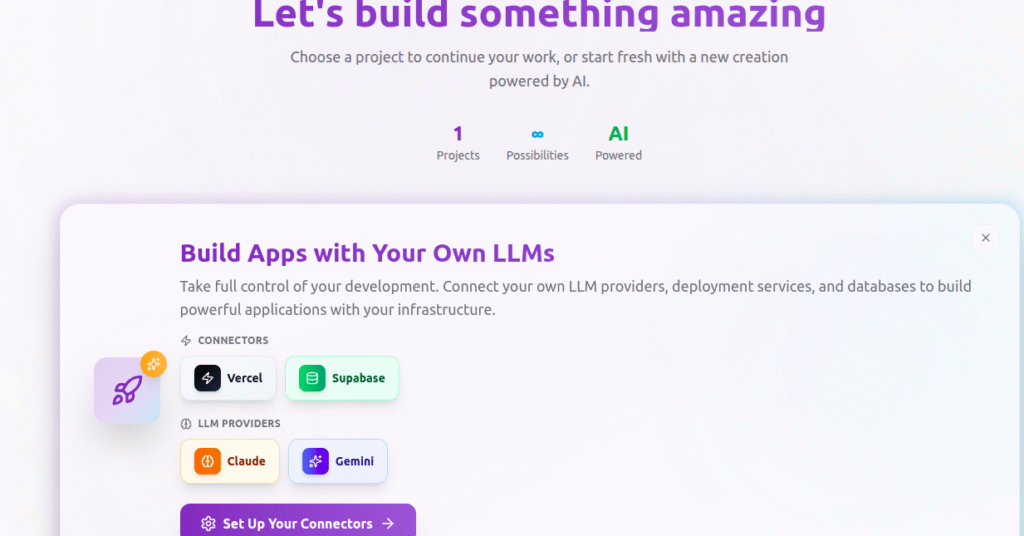
PromptXL is purpose-built for people who want to use AI as a dependable system, not as an experimental coding assistant. While Claude Code assumes you can read, validate, and debug code, PromptXL assumes the opposite: that you want results without touching code at all.
At its core, PromptXL replaces fragile, chat-based prompting with structured AI workflows. Instead of repeatedly explaining what you want and hoping the AI behaves consistently, you design a workflow once and reuse it safely across tasks, teams, or products.
This makes PromptXL fundamentally different from Claude Code and most AI coding tools.
PromptXL is fundamentally different from Claude Code.
Instead of acting like a chat-based coding assistant, PromptXL is a workflow-first AI execution platform. It treats AI not as a conversational partner, but as a system you design and operate.
Claude Code operates through conversation. PromptXL operates through execution.
With PromptXL, non-developers can:
- Break a task into clear steps
- Define inputs, rules, and outputs
- Chain prompts with logic and conditions
- Run the same workflow reliably every time
How PromptXL Works
With PromptXL, you:
- Break a task into steps
- Define inputs, logic, and outputs
- Chain prompts together in a structured flow
- Reuse workflows reliably
This approach removes much of the randomness associated with chat-based AI tools.
Why PromptXL Is Better Than Claude Code for Non-Developers
- No need to read or write code
- Logic is visible and modular
- Changes don’t break the entire system
- Outputs are consistent and repeatable
Instead of “hoping the AI does the right thing,” PromptXL enforces correctness through structure.
Real-World Use Cases
- FP&A teams automating forecasts
- Operators building internal tools
- Founders validating ideas
- Analysts generating repeatable reports
Limitations
- Less suitable for deep, custom software engineering
- Requires upfront thinking about workflow design
Best for: Non-developers who want reliability, scale, and control without coding.
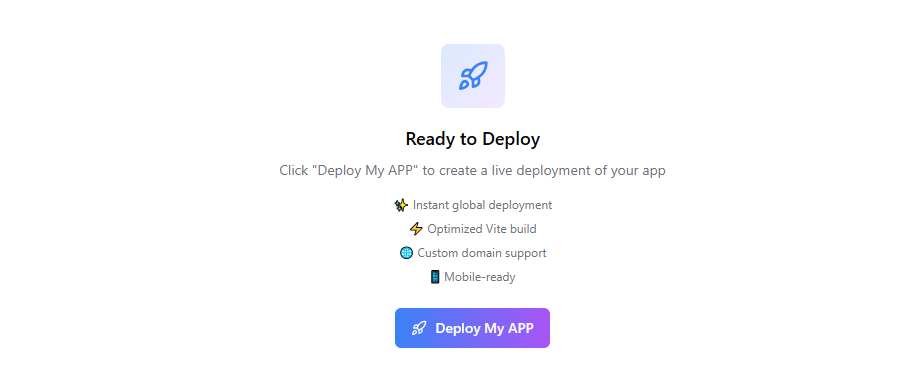
2. Shipper.now — Best for Idea-to-Live-App Speed
Shipper.now focuses on one thing: turning ideas into live applications as fast as possible.
You describe:
- The problem
- The audience
- Core features
Shipper.now generates:
- A frontend
- A backend
- Deployment
All without touching code.
Why It’s a Strong Claude Code Alternative
- Zero technical setup
- Opinionated defaults reduce mistakes
- You get something live quickly
For non-developers, this feels far more approachable than Claude Code.
Where It Falls Short
- Limited customization
- Less control over complex logic
- Harder to scale beyond MVP
comparison: PromptXL excels at structured, repeatable AI workflows, while Shipper focuses on quickly launching simple live apps.
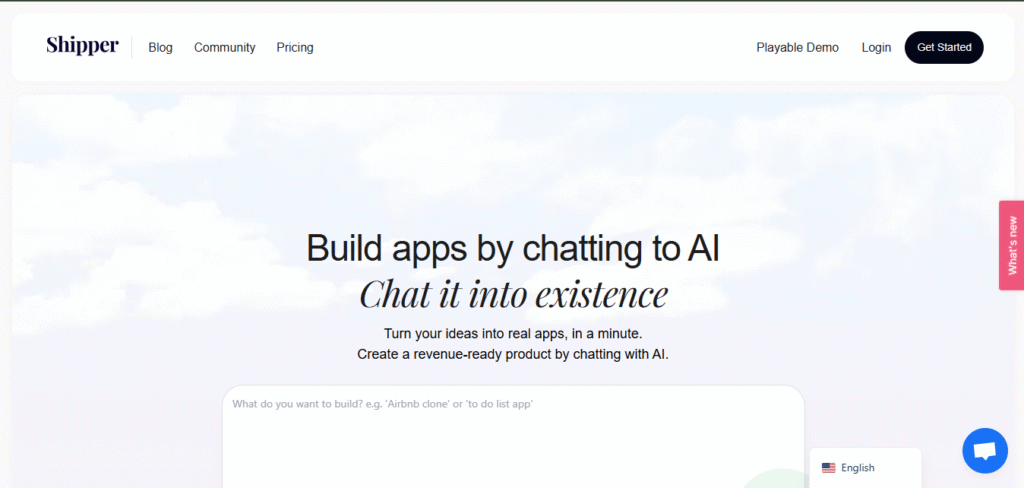
3. Lovable — Best for UI-First Non-Developers
Lovable is designed for people who think visually.
Instead of asking for code, you describe the interface you want, and Lovable generates:
- Layouts
- Components
- Basic logic
Lovable vs Claude Code
- Visual feedback instead of text-only output
- Easier iteration for non-devs
- Less fear of “breaking everything”
Trade-Offs
- Backend logic is limited
- Complex workflows are difficult
- Not ideal for data-heavy applications
comparison : PromptXL prioritizes logic and automation, whereas Lovable is built for fast, UI-first visual interfaces.
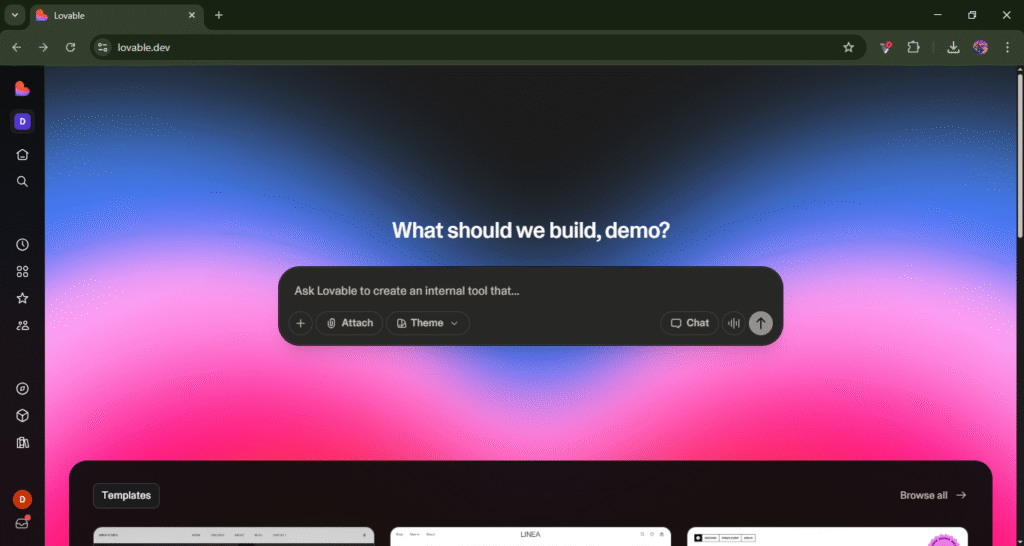
4. Bolt.new — Best for Power Users and Semi-Technical Builders
Bolt.new sits between Claude Code and no-code platforms.
It allows you to:
- Prompt full-stack apps
- Inspect and edit code
- Iterate rapidly
Why Some Non-Devs Choose Bolt.new
- Faster scaffolding than Claude Code
- Clearer project structure
- Better starting point
Why It’s Still Risky for True Non-Developers
- Code exposure is unavoidable
- Debugging still requires technical intuition
- Errors can compound quickly
comparison : PromptXL avoids code entirely with workflow control, while Bolt.new exposes code for semi-technical users.
5. Replit AI — Best for Learning While Building
Replit AI wraps AI assistance around a live coding environment.
It helps by:
- Explaining errors
- Auto-fixing issues
- Letting you run code instantly
Compared to Claude Code
- Much more beginner-friendly
- Immediate feedback loop
- Lower barrier to experimentation
Downsides
- Still fundamentally code-first
- Can become overwhelming as projects grow
comparison: PromptXL is for operating AI systems without coding, while Replit AI helps users learn and work directly with code

Claude Code vs PromptXL: Deep Comparison
| Feature | Claude Code | PromptXL |
|---|---|---|
| Primary audience | Developers | Non-developers & operators |
| Interface | Chat-based | Workflow-based |
| Code exposure | High | None / optional |
| Repeatability | Low–medium | High |
| Error handling | Manual | Structured |
| Scaling workflows | Difficult | Native |
| Business logic support | Weak | Strong |
Key Insight
Claude Code optimizes for flexibility.
PromptXL optimizes for reliability.
For non-developers, reliability almost always wins.
Why Chat-Based Coding Tools Fail at Scale for Non-Devs
At small scale, chat-based tools feel magical.
At larger scale, problems emerge:
- Prompts become long and brittle
- Context gets lost
- Outputs drift over time
- No clear ownership of logic
This is where workflow-based systems like PromptXL pull ahead.
When Claude Code Still Makes Sense
Claude Code is still a great choice if:
- You can confidently read code
- You’re working inside an existing repo
- You need deep customization
For everyone else, the learning curve often outweighs the benefits.
How to Choose the Right Claude Code Alternative
Ask yourself:
- Do I want repeatable systems or one-off outputs?
- Do I want to avoid code completely?
- Is UI or logic more important?
- Do I need this to scale across teams?
Quick Recommendations
PromptXL is the best choice for non-developers who want to build reliable AI-powered tools without writing or managing code.
Unlike Claude Code, which is optimized for developers and code-heavy workflows, PromptXL is designed for operators, founders, and business users who need repeatable, structured outcomes rather than one-off code generation.
- 👉 PromptXL — Structured workflows, zero code
Summary: Best Claude Code Alternative for Non-Developers
If you search for:
- “Claude Code alternatives”
- “AI coding tools for non-developers”
- “No-code AI app builders”
You’ll notice a pattern.
The best tools don’t just generate code — they remove the need to think in code entirely.
That’s where PromptXL stands out.
Final Thoughts
Claude Code is a powerful tool — for developers.
But non-developers deserve tools designed around how they think and work, not how engineers do.
Workflow-first platforms like PromptXL represent the next phase of AI software creation: safer, more scalable, and far more accessible.
If your goal is to build confidently without technical debt, choosing the right Claude Code alternative will matter more than choosing the most powerful model.
🚀 Build Without Platform Limits
Create your project: https://app.promptxl.com
Learn more: https://promptxl.com
Build with real files, multi-LLM intelligence, and zero lock-in.