

Introduction: Tilda AI vs PromptXL Comparison
AI app builders are evolving fast. In this detailed Tilda AI vs PromptXL comparison, we’re looking at two platforms that approach digital product creation from very different angles.
One focuses on visually stunning websites with minimal setup.
The other aims to generate scalable applications with backend logic and automation.
If you’re deciding between a modern AI website builder and a flexible AI-powered development platform, this guide will break everything down clearly.
By the end, you’ll know which tool fits your workflow, skill level, and long-term goals.
Why the Tilda AI vs PromptXL Debate Matters Today
Not long ago, building a website or app meant:
- Designing layouts in Figma
- Writing HTML, CSS, and JavaScript
- Building backend APIs
- Connecting databases
- Configuring hosting
- Managing deployments
That process required technical skills, time, and budget.
AI builders have changed this model completely.
Now you can describe your idea in plain language, and the system generates:
- UI layouts
- Content
- Backend structure
- Integrations
- Deployment-ready builds
This shift has made platforms like Tilda and PromptXL increasingly attractive to:
- Startup founders launching MVPs
- Freelancers delivering faster
- Agencies scaling production
- Developers accelerating builds
- Non-technical entrepreneurs
But these two tools serve very different purposes.
Tilda AI Overview – Visual Website Builder with AI Support
Tilda AI is primarily a visual website builder enhanced with AI capabilities. In the Tilda AI vs PromptXL comparison, Tilda stands out for design simplicity and ease of use.
It focuses on:
- Marketing websites
- Landing pages
- Portfolio sites
- Small business websites
- Content-driven pages
Tilda is not trying to be a full-stack app generator. It’s optimized for visual website creation.
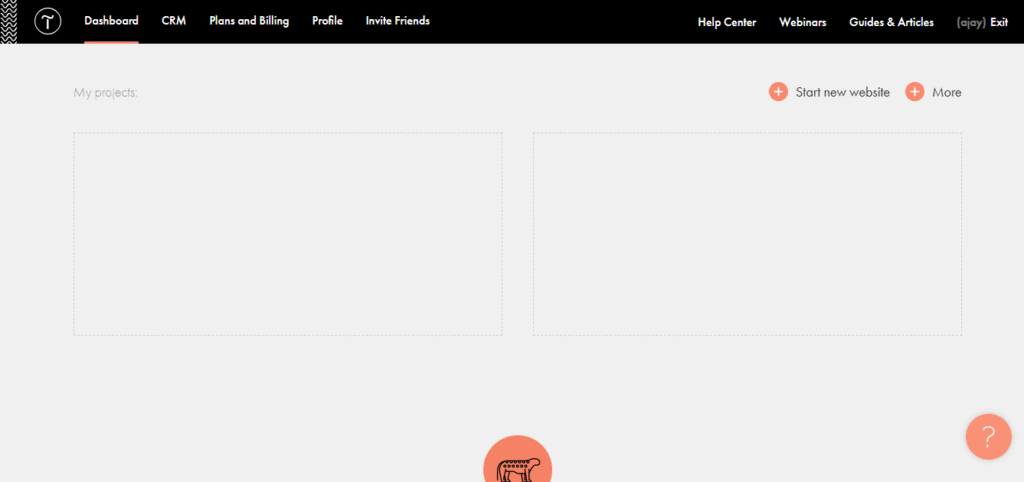
What Makes Tilda AI Popular?
- Block-Based Editing
Pre-designed sections that can be assembled quickly. - AI Content Assistance
Helps generate headlines and website copy. - Modern Templates
Professionally designed layouts ready to publish. - Hosting Included
No external server configuration required. - Responsive by Default
Mobile-ready designs without extra effort.
Strengths of Tilda AI in This Comparison
- Extremely beginner-friendly
- Excellent for designers
- Fast website deployment
- Clean UI and UX
- No coding required
Limitations of Tilda AI
- Limited backend logic
- Not suitable for SaaS dashboards
- No advanced authentication systems
- Minimal automation workflows
- Difficult to scale complex applications
If you’re building a landing page or business site, Tilda works beautifully.
If you’re building a product with users, databases, and workflows — it may fall short.
PromptXL Overview – AI App Builder for Scalable Development
PromptXL takes a very different approach in the Tilda AI vs PromptXL comparison.
Instead of focusing on visual blocks, it functions more like an AI-powered development engine.
It can generate:
- Frontend interfaces
- Backend APIs
- Authentication systems
- Database structures
- Automation workflows
This makes it closer to a full AI app builder rather than a simple website tool.
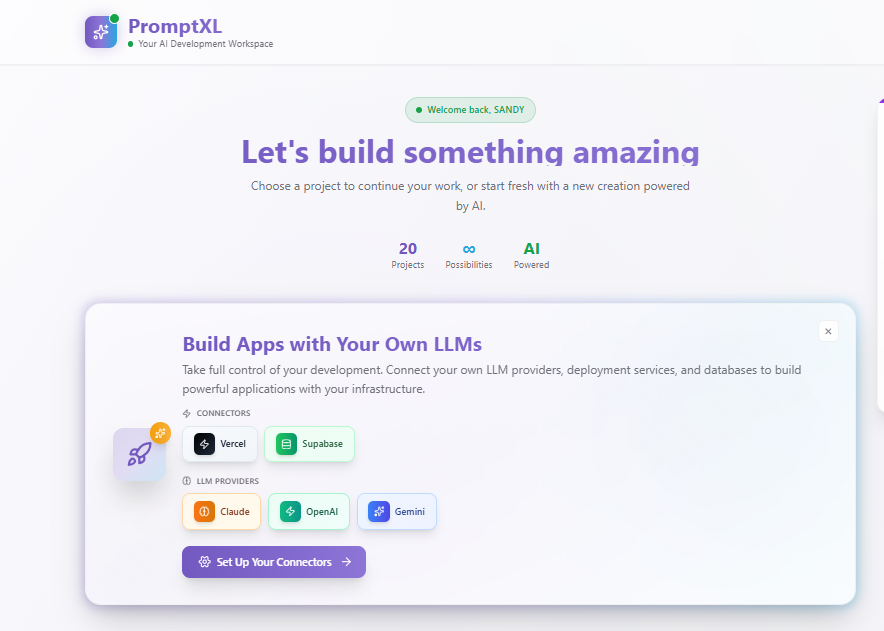
Key Capabilities of PromptXL
- Prompt-Based Architecture
Describe your product idea and receive structured output. - Frontend + Backend Integration
Handles both UI and logic layers. - Automation-Ready Builds
Supports workflows and triggers. - SaaS-Friendly Structure
Better suited for scalable applications. - Flexible Customization
Less template restriction compared to visual builders.
Strengths of PromptXL
- More scalable than traditional site builders
- Backend logic support
- Suitable for SaaS and dashboards
- Faster MVP development
- Greater architectural flexibility
Limitations of PromptXL
- Slight learning curve
- Requires clearer instructions
- Not purely drag-and-drop
- Less design-polished initially
If Tilda is design-first, PromptXL is logic-first.
Tilda AI vs PromptXL: Core Differences Explained
| Feature | Tilda AI | PromptXL |
|---|---|---|
| Ease of Use | Very Easy | Moderate |
| Primary Focus | Marketing Sites | Apps & SaaS |
| Backend Support | Minimal | Strong |
| Automation | Basic | Advanced |
| Customization | Block-based | Flexible |
| Best For | Small Business | Startups & Developers |
In simple terms:
Tilda = Fast Website Builder
PromptXL = Scalable AI App Builder
When Tilda AI Is the Better Choice
In the Tilda AI vs PromptXL decision, choose Tilda if:
- You need a marketing site
- You run a small business
- You want visual editing
- You don’t need backend logic
- You prioritize design quality
Ideal users:
- Agencies building landing pages
- Freelancers
- Consultants
- Bloggers
- Portfolio creators
Tilda excels in visual presentation and simplicity.
When PromptXL Makes More Sense
Choose PromptXL if:
- You’re building SaaS software
- You need authentication systems
- You want API integrations
- You require backend workflows
- You plan to scale long term
Ideal users:
- Startup founders
- Developers
- Technical entrepreneurs
- AI tool builders
PromptXL shines when projects go beyond static websites.
Comparing Tilda AI vs PromptXL With Other AI Builders
To understand the broader ecosystem, let’s briefly examine alternatives.
Bolt vs Tilda AI vs PromptXL
Developer-focused AI coding assistant with full file control.
Cursor vs Tilda AI vs PromptXL
AI integrated into a coding IDE, ideal for debugging and refactoring.
Replit vs Tilda AI vs PromptXL
Full development environment with hosting and collaboration.
Base44 vs Tilda AI vs PromptXL
Designed for backend-heavy, multi-screen applications.
Shipper vs Tilda AI vs PromptXL
Emphasizes stable builds and exportable projects.
Each serves a different audience — some prioritize control, others automation, others simplicity.
Future Trends Impacting Tilda AI and PromptXL
The AI builder space is evolving rapidly.
1. Hybrid No-Code + Code
Users want visual builders combined with exportable code.
2. Automation-First Platforms
Focus shifting from layout generation to workflow logic.
3. Faster MVP Deployment
Idea to live product within hours.
4. Scalable SaaS Infrastructure
AI tools moving beyond brochure websites.
PromptXL aligns strongly with automation-driven trends.
Tilda aligns strongly with simplified website publishing.
Pricing Considerations
Before choosing between Tilda and PromptXL, evaluate:
- Hosting costs
- AI generation limits
- Export options
- Scalability fees
- Long-term maintenance
Tilda typically uses subscription pricing with hosting included.
PromptXL often follows feature-based or usage-based pricing models.
Your long-term project vision matters more than short-term cost.
Real-World Use Case Comparison
Local Business Website → Tilda
SaaS MVP → PromptXL
Marketing Landing Page → Tilda
AI Tool with User Accounts → PromptXL
Portfolio Website → Tilda
Subscription Product → PromptXL
Final Verdict: Which AI Builder Wins?
There is no universal winner in the Tilda AI vs PromptXL debate.
Choose Tilda AI if you want:
- Fast website creation
- Beautiful design blocks
- Minimal learning curve
- Business or marketing pages
Choose PromptXL if you want:
- SaaS app development
- Backend logic
- Automation workflows
- Scalability
The real difference is ambition.
Tilda helps you go live quickly.
PromptXL helps you build something scalable.
Conclusion
AI app builders are reshaping how digital products are created.
Tilda AI focuses on simplicity and visual design.
PromptXL focuses on flexibility and automation.
Both serve important roles in modern development.
If you’re building a marketing website → choose simplicity.
If you’re building a digital product → choose scalable architecture.
The best builder is the one aligned with your long-term goals. 🚀
🚀 Build Without Platform Limits
Create your project: https://app.promptxl.com
Learn more: https://promptxl.com
Build with real files, multi-LLM intelligence, and zero lock-in.